Through your portal, you can find all users for each file under the ‘Users’ tab:
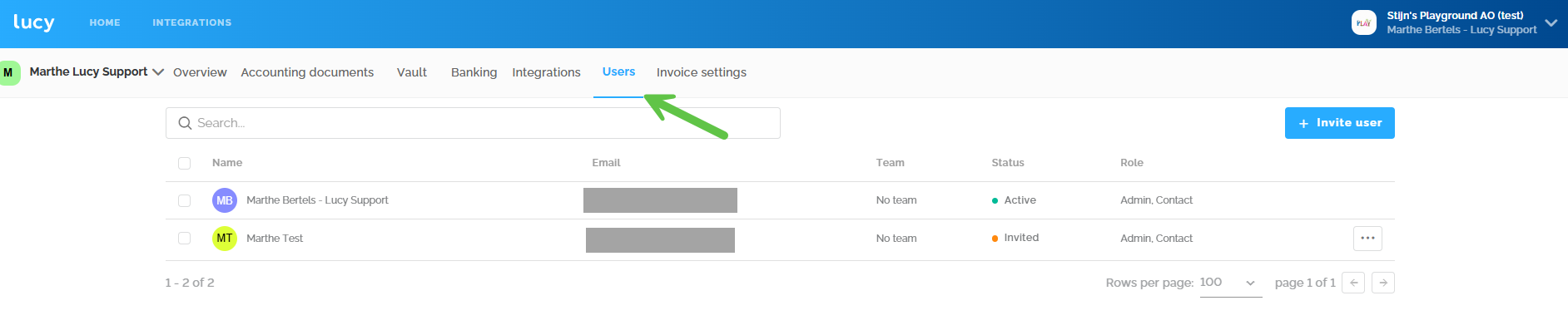
On this page, as an accountant, you can view all users of this administration, delete them, and add new ones. (!) Whether you can do this depends on your administration's status. The file's status can be found in the general overview of your portal.
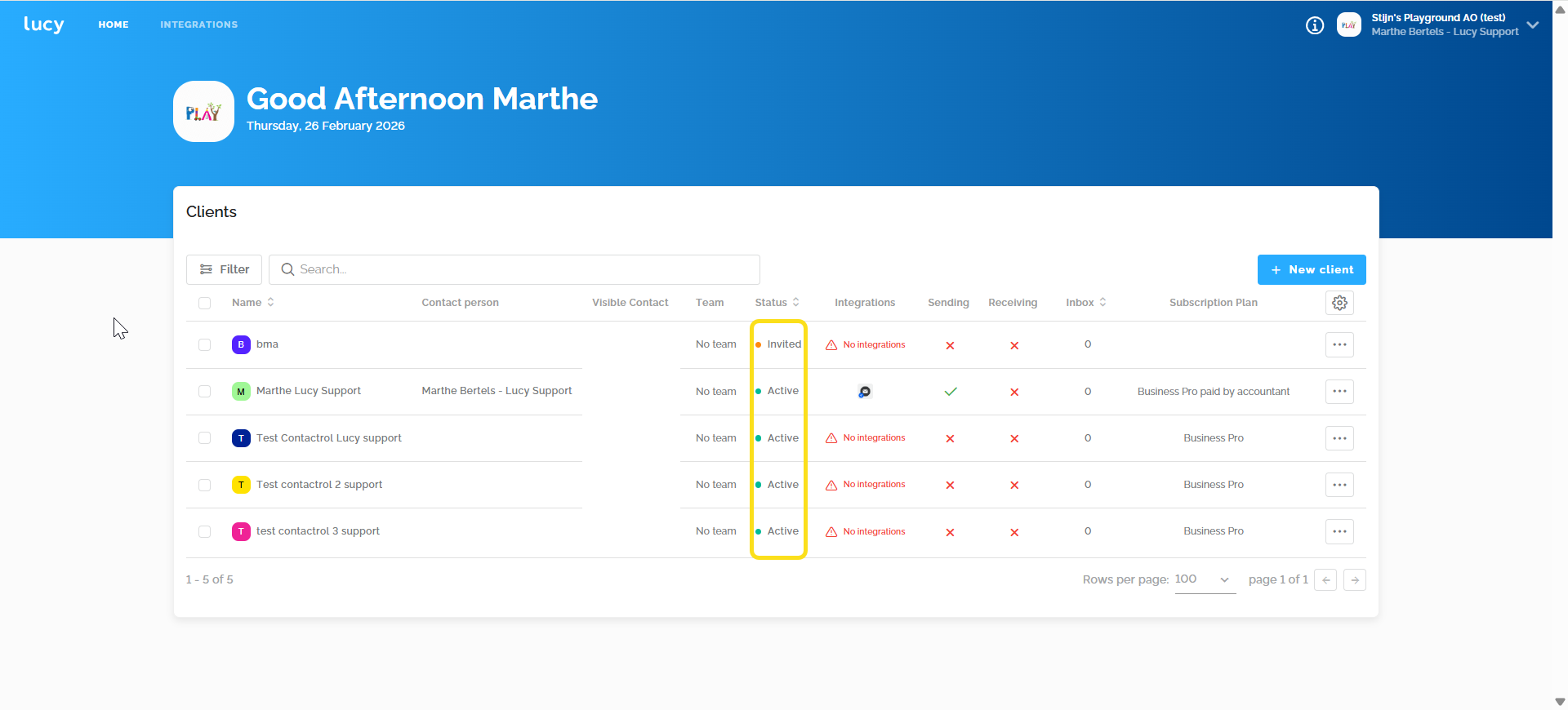
The accountant can change the email address
- The file has the status 'Created'
A 'replace' button will appear when hovering over the three dots to the right of the user. You can enter the new email address.
- The file has the status 'Active' and has Trial, Lucy Business, or Lucy Business Pro.
You can change the email address by adding a new user to the file. Once added and invited, you can remove the other user with an incorrect email address. There must always be one user present in the file, so the order of these steps is important.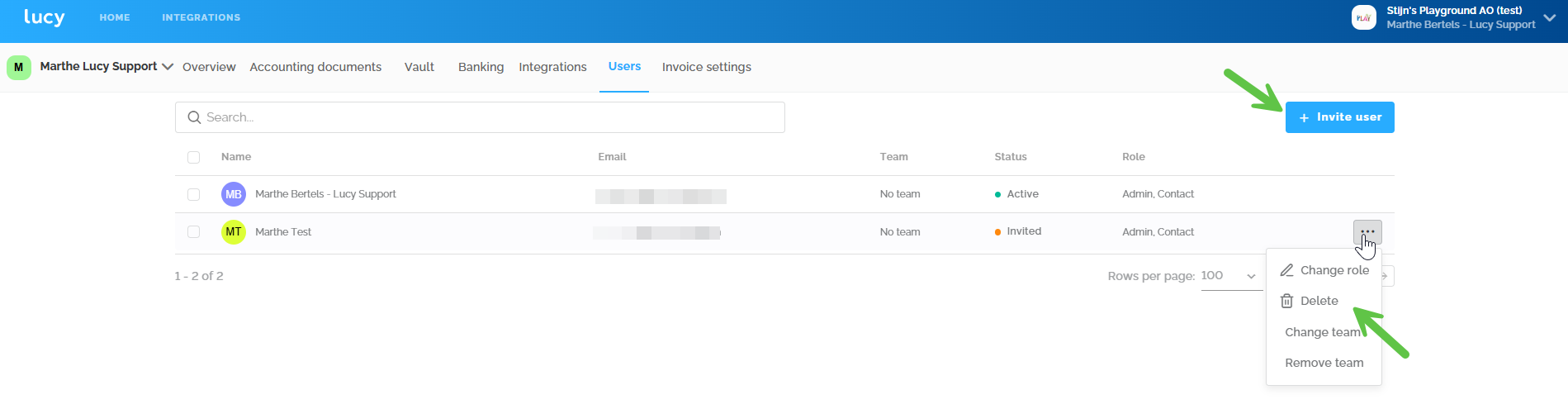
Contact Support to change the email address
- The file has the status 'Active' and has Lucy Inbox or Lucy Billing.
- Since the subscription only allows one user and the file is already active, the above steps do not work. Contact Support at support@getlucy.ai . We will make this change for you.