Through Settings, you have the option to configure several general parameters, add users, and set up integrations. Click on the name of your environment in the top right corner, and then click the ‘Settings’ button.

- General
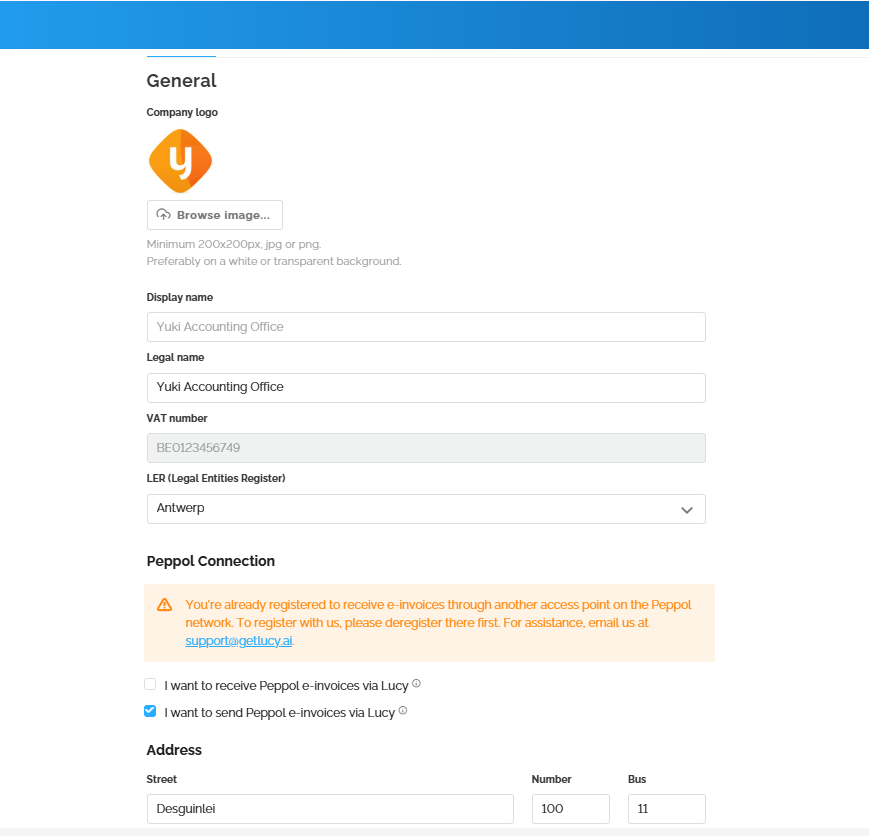
Under the ‘General’ tab, you have the option to add a logo to your Lucy environment, activate Peppol, and update your office address.
- Users
Under the ‘Users’ tab, you can also grant your firm’s employees access to the Lucy environment.

- Integrations
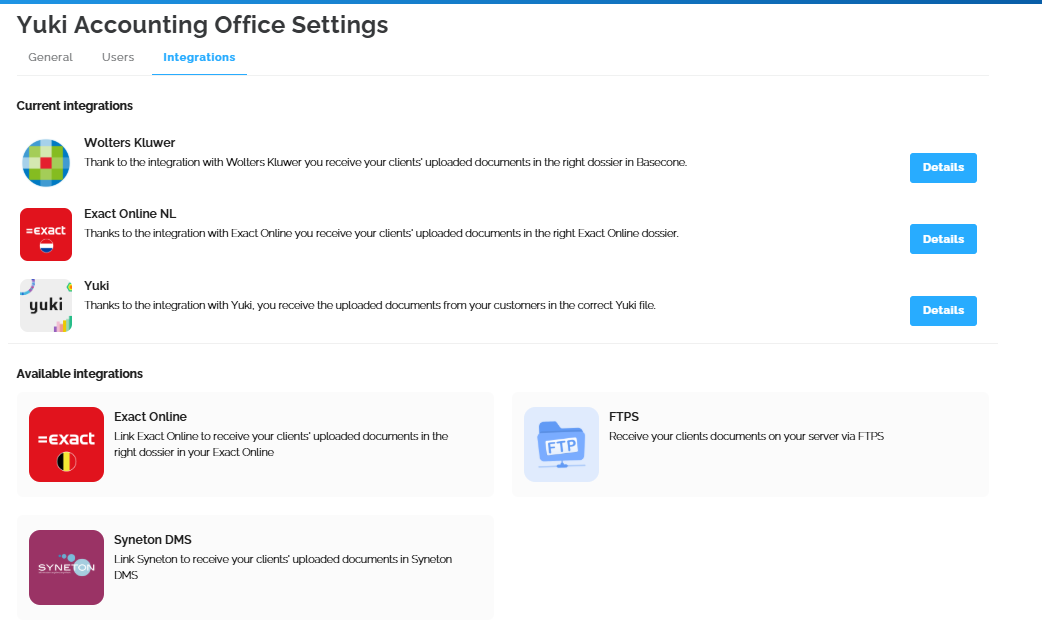
Under the ‘Integrations’ tab, you have the option to connect with accounting programs and other software. In this overview, you can see the available integrations, which you can click on to find more information and the necessary setup steps.
For example, if you connect with Yuki, you can link the customer in Lucy to the correct Yuki dossier, as this information is retrieved via the API.
The existing integrations are: Wolters Kluwer, Exact Online, Exact Online NL, FTPS, Syneton DMS, and Yuki.